On this page (9)
- How Google ranks local businesses
- Minutes 1 to 5: Get the basics exactly right
- Minutes 6 to 10: Tell Google exactly what you do
- Minutes 11 to 15: Make your profile look alive
- Minutes 16 to 20: Set up reviews and messages
- Weekly habits that keep your profile strong
- Common Google Business Profile mistakes to avoid
- Key takeaways
- Want help getting found by more local customers?
When someone nearby searches for “bakery near me”, “AC repair in [your area]” or “best salon open now”, the first thing they often see isn’t a website. It’s a map with a handful of businesses, their star ratings, photos and opening hours.
Those listings come from Google Business Profile. And for many local businesses, it’s the single most important free marketing tool they have.
The good news: you don’t need to be an SEO expert to improve yours. This checklist walks you through the essentials in about 20 minutes. Grab your phone or laptop, open your profile, and work through it step by step.
In this post:
- How Google decides which local businesses to show
- The 20-minute checklist (in four 5-minute blocks)
- Weekly habits that keep your profile strong
- Common mistakes to avoid
How Google ranks local businesses
Google says its local results are based mainly on three things (Google):
| Factor | What it means | What you can do |
|---|---|---|
| Relevance | How well your profile matches what someone searched for | Fill in every detail accurately, especially categories and services |
| Distance | How far your business is from the person searching | Make sure your address or service area is correct |
| Prominence | How well known your business is, including reviews and links | Collect reviews, reply to them and keep your profile active |
You can’t move your shop closer to every customer. But relevance and prominence are largely in your hands, and that’s what this checklist focuses on.
Pro tip: If you haven’t claimed and verified your profile yet, do that first. Go to Google Business Profile and follow the steps. Nothing else on this list works properly until you’re verified.
Minutes 1 to 5: Get the basics exactly right
Start with the details customers rely on most. Wrong information here costs you calls and visits.
- ✅ Business name: Use your real business name, exactly as it appears on your signboard. Don’t add keywords or locations to it. Google’s guidelines don’t allow it, and it can get your profile suspended.
- ✅ Address or service area: If customers visit you, show your address. If you travel to customers (like a plumber or a home tutor), set a service area instead.
- ✅ Phone number: Use a number that’s actually answered during business hours.
- ✅ Website link: Link to your homepage, or to a specific location page if you have several branches.
- ✅ Opening hours: Double-check them, and add special hours for festivals and public holidays.
Pro tip: Make sure your name, address and phone number match exactly everywhere they appear online, including your website, Facebook page, Justdial or IndiaMART listing and any directories. Consistent details make it easier for Google and for customers to trust that the information is correct. If you’ve moved or changed your number, update every listing, not just Google.
Minutes 6 to 10: Tell Google exactly what you do
This is where most businesses leave easy wins on the table.
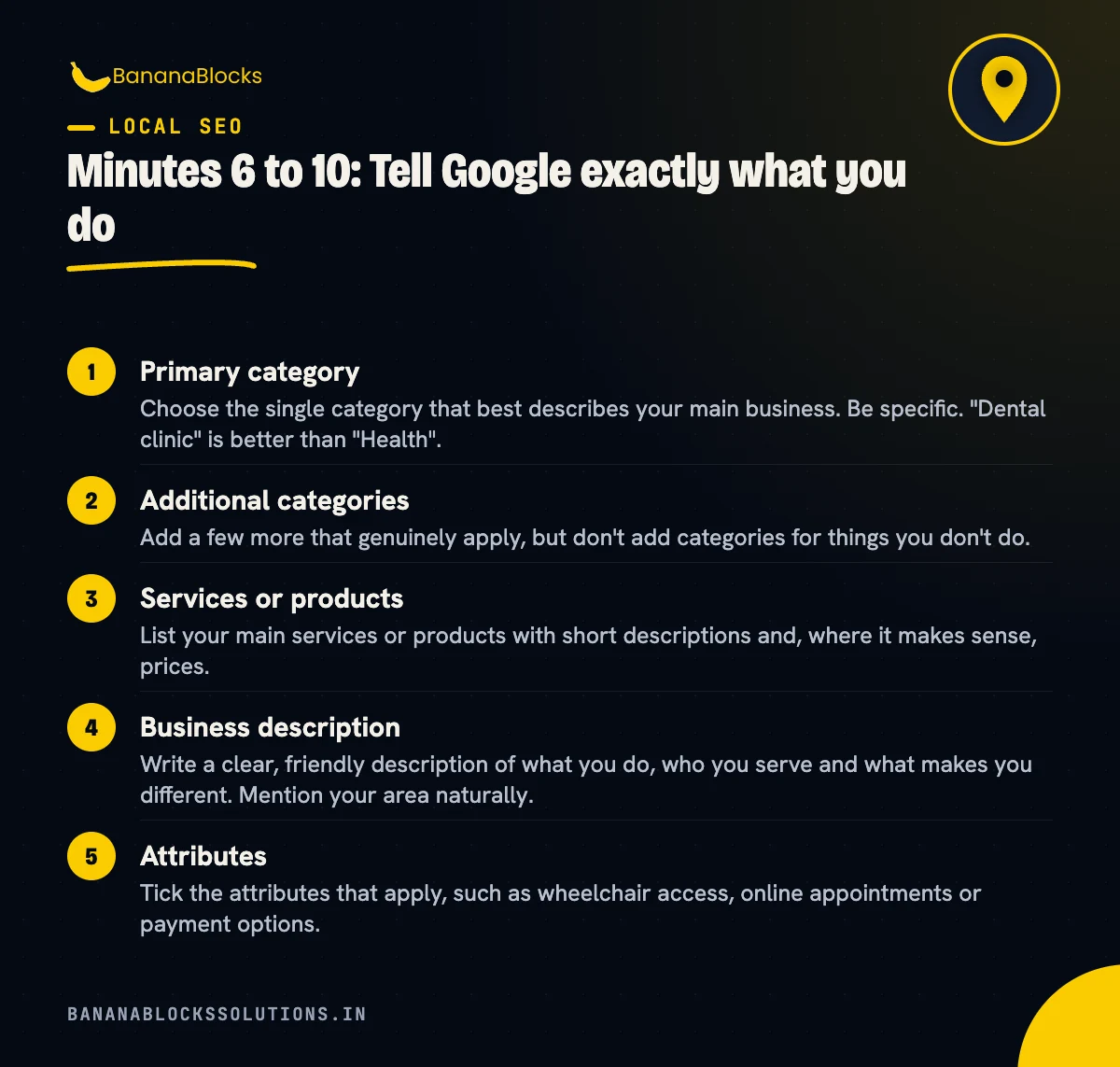
- ✅ Primary category: Choose the single category that best describes your main business. Be specific. “Dental clinic” is better than “Health”.
- ✅ Additional categories: Add a few more that genuinely apply, but don’t add categories for things you don’t do.
- ✅ Services or products: List your main services or products with short descriptions and, where it makes sense, prices.
- ✅ Business description: Write a clear, friendly description of what you do, who you serve and what makes you different. Mention your area naturally.
- ✅ Attributes: Tick the attributes that apply, such as wheelchair access, online appointments or payment options.
Minutes 11 to 15: Make your profile look alive
Profiles with fresh photos and recent activity look more trustworthy to customers.
- ✅ Logo and cover photo: Upload a clear logo and a cover photo that shows your business at its best.
- ✅ Real photos: Add photos of your storefront (so people can find you), your interior, your team and your products or work. Skip stock images.
- ✅ A short video: A quick walk-through of your shop or a clip of your work can help people feel like they know you.
- ✅ A recent update: Post an update with an offer, an event or simply something new. Updates show customers that you’re active.
Minutes 16 to 20: Set up reviews and messages
Reviews are one of the biggest things customers look at, and they play a part in prominence.
- ✅ Get your review link: In your profile, find the option to ask for reviews and copy your short review link.
- ✅ Share it: Add the link to your WhatsApp messages, receipts, email signature and after-sale follow-ups.
- ✅ Reply to recent reviews: Thank people for positive reviews, and respond calmly and helpfully to negative ones.
- ✅ Check messaging and calls: Make sure customers can easily contact you, and that someone will actually respond.
Weekly habits that keep your profile strong
The checklist above gets you set up. These small habits keep you ahead:
- Reply to every new review within a day or two.
- Add a few new photos each month.
- Post an update whenever you have news, an offer or an event.
- Answer customer questions quickly when they come in.
- Check your Performance view to see how people find you and what they do, such as calls, direction requests and website clicks.
- Update your hours ahead of every festival or holiday.
Common Google Business Profile mistakes to avoid
- Stuffing keywords into your business name. It breaks Google’s guidelines and can lead to suspension.
- Using a virtual office or PO box address. Your address should be a real location where you serve customers.
- Buying or faking reviews. It’s against Google’s policies and can get reviews removed or your profile restricted.
- Offering rewards for reviews. Ask every customer for an honest review instead.
- Ignoring negative reviews. A calm, helpful reply can win over future customers who read it.
- Setting it up once and forgetting it. An outdated profile with old hours and no recent photos loses trust.
Key takeaways
- ✅ Verify your profile before anything else
- ✅ Get your name, address, phone, website and hours exactly right
- ✅ Choose a specific primary category and list your services
- ✅ Add real photos, a short video and a recent update
- ✅ Share your review link and reply to every review
- ✅ Spend a few minutes on your profile every week
Related reading
- Local SEO for Dentists: How to Rank for “Dentist Near Me”
- Local SEO for Gyms: How to Rank Higher in Your Area
- Local SEO for Solar Installers: How to Rank for “Solar Panel Installation Near Me”
Want help getting found by more local customers?
Google Business Profile is the foundation of local SEO, but it works best alongside a fast, well-structured website and a steady flow of reviews.
BananaBlocks Solutions helps small and growing businesses with local SEO, from optimising Google Business Profiles to building websites that turn local searches into calls and visits.
Book a free 30-minute strategy call and we’ll review your profile and show you the quickest wins for your area.

Written by
Andrew Akshat
Writes for the BananaBlocks team about websites, SEO and digital growth for small and growing businesses.
More on Local SEO