On this page (14)
- WhatsApp Business app vs WhatsApp Business Platform
- Step 1: Set up a profile that builds trust
- Step 2: Set up time-saving tools before you promote
- Six ways to market your business on WhatsApp
- 1. Make it easy to start a chat
- 2. Run click-to-WhatsApp ads
- 3. Use Status like a mini social feed
- 4. Send broadcasts to customers who want them
- 5. Follow up after every sale
- 6. Share your catalogue and take orders in chat
- WhatsApp marketing rules to follow
- How to measure your WhatsApp marketing
- Key takeaways
- Want WhatsApp to bring in more customers?
Your customers already open WhatsApp dozens of times a day. They use it to talk to family, share photos and, more and more, to ask businesses questions before they buy.
For a small business in India, that makes WhatsApp one of the most natural marketing channels there is. No new app to download, no inbox to get lost in, and a conversation that feels personal from the first message.
But there’s a difference between simply having WhatsApp on your business phone and actually using it for marketing. This beginner’s playbook walks you through setting it up properly, getting customers to message you, and sending messages people are glad to receive.
In this post:
- WhatsApp Business app vs WhatsApp Business Platform
- Setting up your profile the right way
- Six ways to market your business on WhatsApp
- Rules to follow so you don’t get blocked
- How to measure what’s working
WhatsApp Business app vs WhatsApp Business Platform
There are two versions of WhatsApp for businesses, and choosing the right one saves a lot of headaches.
| WhatsApp Business app | WhatsApp Business Platform (API) | |
|---|---|---|
| Best for | Small businesses and solo owners | Growing businesses with higher message volume |
| Cost | Free to download | Charges apply for certain message types, such as marketing templates (Meta) |
| Who uses it | You and a few devices | A team, through a CRM or a provider’s dashboard |
| Automation | Greeting, away messages and quick replies | Chatbots, automated flows and CRM integrations |
| Setup | Download and verify your number | Usually through a Meta Business Partner or provider |
Our advice: Start with the free WhatsApp Business app. Move to the Platform when you’re handling more chats than your team can answer by hand, or when you want to connect WhatsApp to your CRM.
Pro tip: Use a dedicated business number rather than your personal one. It keeps work and family chats apart, and makes it easier to hand over to a team member later.
Step 1: Set up a profile that builds trust
Your WhatsApp Business profile is like a mini shopfront. Customers check it before they message, so fill in every field.
- ✅ Business name and logo: Use your real business name and a clear logo that’s easy to recognise at small sizes.
- ✅ Category and description: Say what you do and who you serve in a sentence or two.
- ✅ Address and hours: Add your location and opening hours so people know when to expect a reply.
- ✅ Website and email: Link to your website and, if you have one, your Google Business Profile.
- ✅ Catalogue: Add your main products or services with photos, short descriptions and prices.
The catalogue is one of the most useful features in the app. Instead of sending the same photos and price lists again and again, you can share an item or your whole catalogue in a couple of taps.
Step 2: Set up time-saving tools before you promote
Before you invite more people to message you, make sure you can reply quickly. The WhatsApp Business app has three built-in tools that help:
- Greeting message: Sent automatically when someone messages you for the first time. Thank them, and tell them what you can help with.
- Away message: Sent outside your business hours. Tell people when you’ll reply, so they don’t assume you’re ignoring them.
- Quick replies: Saved answers to common questions, like prices, delivery areas or how to book, that you can insert by typing a shortcut.
Labels are worth setting up too. Tag chats as “New enquiry”, “Order placed”, “Payment pending” or “Follow up” so nothing slips through the cracks during a busy week.
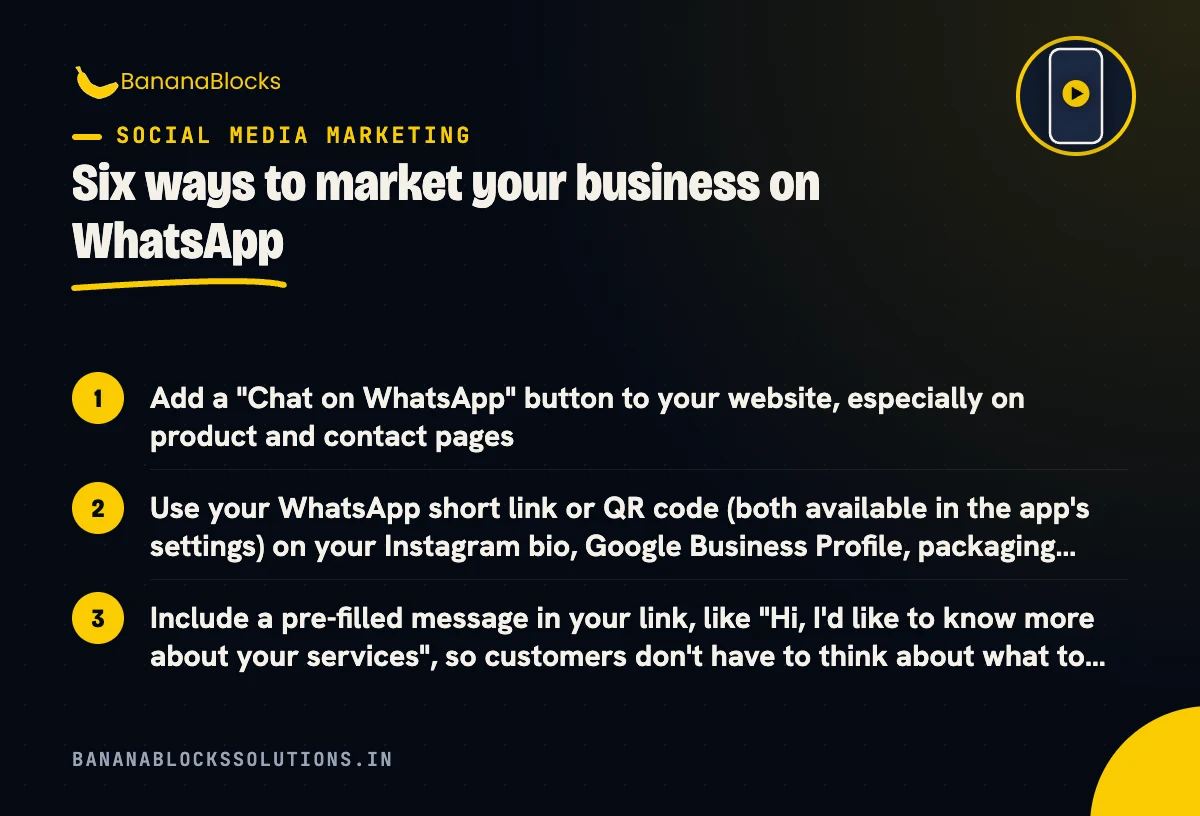
Six ways to market your business on WhatsApp
1. Make it easy to start a chat
The more places customers see a WhatsApp option, the more conversations you’ll get.
- Add a “Chat on WhatsApp” button to your website, especially on product and contact pages
- Use your WhatsApp short link or QR code (both available in the app’s settings) on your Instagram bio, Google Business Profile, packaging, visiting cards and shop counter
- Include a pre-filled message in your link, like “Hi, I’d like to know more about your services”, so customers don’t have to think about what to type
2. Run click-to-WhatsApp ads
Facebook and Instagram ads can send people straight into a WhatsApp chat with your business instead of to a website. This works especially well for businesses where customers like to ask questions before they buy, such as clinics, coaching institutes, home services, real estate and fashion.
Keep the ad’s promise and your first reply closely matched. If the ad says “Get today’s price”, your greeting message should give them the price or ask the one question you need to answer it.
3. Use Status like a mini social feed
WhatsApp Status works like Instagram Stories, and it’s seen by people who have saved your number. Use it for:
- New arrivals and daily specials
- Behind-the-scenes clips from your shop or kitchen
- Customer reviews and before-and-after work (with permission)
- Reminders about offers that end soon
Post a few times a week rather than flooding it. A steady rhythm keeps you top of mind without becoming noise.
4. Send broadcasts to customers who want them
Broadcast lists in the WhatsApp Business app let you send one message to many customers, and each person receives it as a private chat. Only people who have saved your number in their contacts receive broadcast messages, which is one more reason to ask happy customers to save your number.
Good broadcast ideas include festive offers, restock alerts, appointment slots that just opened up and helpful seasonal tips. Keep them short, useful and occasional.
5. Follow up after every sale
WhatsApp is a natural fit for post-purchase messages:
- Order confirmations and delivery updates
- Care or usage tips for what they bought
- A friendly request for a Google review a few days later, with the direct link
- A reminder when it’s time to reorder or rebook
These messages feel like service rather than selling, which is exactly why they work.
6. Share your catalogue and take orders in chat
When someone asks “What do you have?”, send your catalogue. When they pick something, confirm the details, share a payment link or UPI details and update the chat’s label. For many small businesses, that’s an entire sales process inside one app.
WhatsApp marketing rules to follow
WhatsApp is personal space. Customers will block or report businesses that spam them, and too many blocks or reports can limit or ban your account.
- Get permission first. Only message people who have contacted you or clearly agreed to hear from you. Don’t buy number lists. WhatsApp’s Business Messaging Policy requires businesses to have opt-in before messaging people.
- Make it easy to stop. Tell people how to opt out, for example “Reply STOP to stop offers”, and respect it straight away.
- Don’t overdo it. One or two promotional messages a week is plenty for most businesses. Service messages, like order updates, can be more frequent.
- Stay relevant. Send offers that match what each customer bought or asked about, using your labels to group them.
- Check what you sell is allowed. WhatsApp’s Commerce Policy restricts some product categories, so check it before adding items to your catalogue.
How to measure your WhatsApp marketing
You don’t need a fancy dashboard to know whether WhatsApp is working. Track a few simple numbers each month:
| What to track | Where to find it | Why it matters |
|---|---|---|
| New chats | Count new conversations or “New enquiry” labels | Shows whether your links, ads and QR codes are working |
| Reply time | Your own spot checks | Fast replies win more enquiries |
| Broadcast replies and blocks | Watch responses after each broadcast | Tells you whether people value your messages |
| Orders or bookings from WhatsApp | Your labels or order records | Connects WhatsApp to actual revenue |
| Ad cost per conversation | Meta Ads Manager | Shows whether click-to-WhatsApp ads pay for themselves |
Pro tip: Ask new customers “How did you hear about us?” in your greeting flow. It’s a simple way to see which channels send you the most WhatsApp chats.
Key takeaways
- ✅ Start with the free WhatsApp Business app on a dedicated number
- ✅ Complete your profile and add a catalogue with prices
- ✅ Set up greeting messages, away messages, quick replies and labels
- ✅ Put your WhatsApp link and QR code everywhere customers find you
- ✅ Test click-to-WhatsApp ads for products people like to ask about
- ✅ Only message people who’ve opted in, and make it easy to stop
- ✅ Track new chats, replies and sales every month
Related reading
- 7 Marketing Automations to Set Up Before December
- Reels vs TikTok vs Snapchat Spotlight: Where Should SMBs Post?
- What Is a Marketing Funnel? A Plain-English Guide for Business Owners
Want WhatsApp to bring in more customers?
WhatsApp works best when it’s connected to the rest of your marketing: your ads, your website and your follow-ups.
BananaBlocks Solutions helps small and growing businesses set up WhatsApp Business, run click-to-WhatsApp ad campaigns and build automated WhatsApp flows that turn chats into customers.
Book a free 30-minute strategy call and we’ll show you how to make WhatsApp one of your best-performing marketing channels.

Written by
Andrew Akshat
Writes for the BananaBlocks team about websites, SEO and digital growth for small and growing businesses.
More on Social Media Marketing