On this page (12)
- What is marketing automation?
- 1. Welcome email series
- 2. Abandoned cart reminders
- 3. Instant enquiry replies
- 4. Post-purchase follow-up
- 5. Review requests
- 6. Win-back campaign for inactive customers
- 7. Social media scheduling and lead capture
- Tools that can help
- How to set up automations without breaking anything
- Key takeaways
- Want your marketing automations set up for you?
December is the busiest month of the year for a lot of small businesses. More enquiries, more orders, more messages, and somehow fewer hours in the day.
That’s exactly why now is the time to automate. A few simple marketing automations, set up once in November, can keep working for you through the holiday rush and well into next year.
You don’t need a big budget or a developer. Most of these can be built with tools you probably already use, like your email platform, your online store, WhatsApp Business or a connector tool like Zapier.
In this post:
- What marketing automation actually means for a small business
- 7 automations to set up this month
- Tools that can help
- How to set them up without breaking anything
What is marketing automation?
Marketing automation simply means letting software handle repetitive marketing tasks for you, based on rules you set.
Every automation follows the same basic pattern:
| Part | What it means | Example |
|---|---|---|
| Trigger | Something that happens | A customer signs up to your email list |
| Action | What the software does in response | Sends a welcome email |
| Timing | When it happens | Immediately, or after a delay |
Once it’s set up, it runs on its own, every time, without you having to remember.
Pro tip: Start with the automations that save you the most time or bring in the most money. You don’t need all seven at once.
1. Welcome email series
Trigger: Someone joins your email list
Why it matters: New subscribers are often the most interested they’ll ever be. A welcome series makes a good first impression while that interest is fresh.
What to send:
- Right away: Say thank you, deliver anything you promised (like a discount code) and tell them what to expect.
- A couple of days later: Share your story, your best-sellers or what makes you different.
- A few days after that: Share a customer review or a helpful tip, with a gentle nudge to buy or book.
Most email platforms, including Mailchimp, Brevo, Zoho Campaigns and Klaviyo, have a ready-made welcome template you can adapt.
2. Abandoned cart reminders
Trigger: Someone adds products to their cart but doesn’t check out
Why it matters: People get distracted, especially during busy shopping periods. A friendly reminder can bring them back.
What to send:
- A reminder email a few hours later showing the items they left behind
- A second reminder a day or so later, perhaps with a reason to complete the purchase, such as free shipping or a review of the product
Shopify, WooCommerce and most ecommerce platforms either include this feature or support it through an app or plugin.
Pro tip: Don’t lead with a discount every time. If customers learn that abandoning a cart always gets them money off, some will start doing it on purpose.
3. Instant enquiry replies
Trigger: Someone fills in your contact form or sends you a message
Why it matters: People often contact several businesses at once. Replying fast, even with an automated message, shows you’re responsive and keeps them from moving on.
What to set up:
- An automatic email reply confirming you’ve received their enquiry and when they can expect to hear back
- A WhatsApp Business greeting message and an away message for after hours
- A notification to you or your team (by email, WhatsApp or Slack) so new leads never get missed
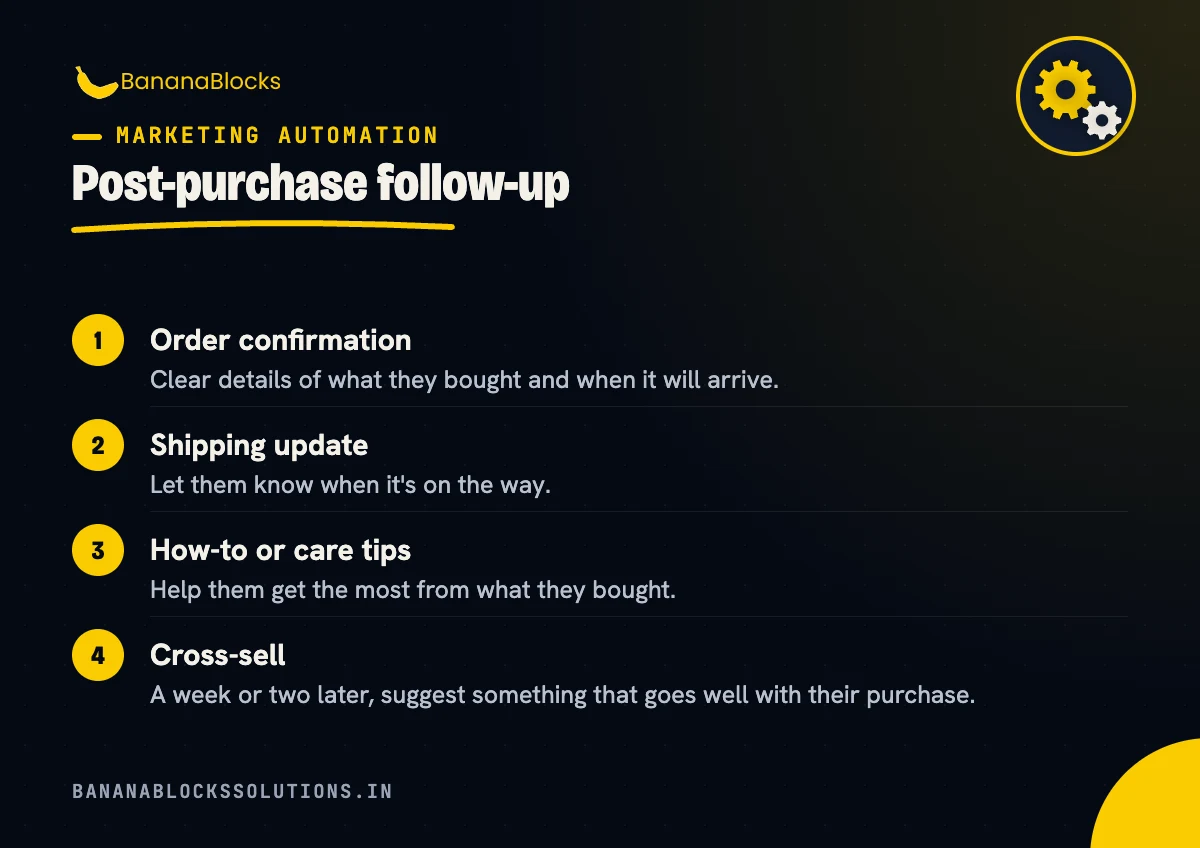
4. Post-purchase follow-up
Trigger: A customer makes a purchase
Why it matters: The sale isn’t the end of the relationship. A good follow-up builds trust and makes repeat purchases more likely.
What to send:
- Order confirmation: Clear details of what they bought and when it will arrive.
- Shipping update: Let them know when it’s on the way.
- How-to or care tips: Help them get the most from what they bought.
- Cross-sell: A week or two later, suggest something that goes well with their purchase.
5. Review requests
Trigger: An order is delivered, or a service is completed
Why it matters: Reviews influence buying decisions, help your Google Business Profile, and can now even show up in Google Search ads as AI-generated summaries.
What to send:
- A short, friendly email or WhatsApp message a few days after delivery, with a direct link to leave a review on Google or your website
- One gentle reminder if they haven’t left one
Keep it simple. The fewer clicks it takes, the more reviews you’ll get. Always ask for honest reviews rather than offering rewards for positive ones, since many platforms, including Google, don’t allow incentivised reviews.
6. Win-back campaign for inactive customers
Trigger: A customer hasn’t bought from you in a set amount of time (for example, 90 or 180 days)
Why it matters: Bringing back a past customer is often easier than finding a new one. They already know you.
What to send:
- A “we miss you” email highlighting what’s new
- A personal offer or early access to your holiday sale
- A final email asking if they still want to hear from you, which also helps keep your list clean
Time this to land in early to mid-November, so lapsed customers are back in the loop before your holiday promotions start.
7. Social media scheduling and lead capture
Trigger: A schedule you set, or someone engaging with your ads or posts
Why it matters: Posting consistently through December is hard when you’re busy serving customers. And leads from social media ads are easy to lose if they sit in a spreadsheet nobody checks.
What to set up:
- Schedule posts in advance with Meta Business Suite, Buffer, Hootsuite or a similar tool
- Send ad leads straight to your inbox or CRM. If you run Meta lead ads, connect them to your email platform, CRM or a Google Sheet so every lead gets a fast follow-up
- Use auto-replies for common DMs like opening hours, prices or delivery times
Tools that can help
You don’t need all of these. Pick the ones that fit what you already use.
- Email platforms: Mailchimp, Brevo, Zoho Campaigns, Klaviyo
- Ecommerce platforms: Shopify, WooCommerce
- Messaging: WhatsApp Business app or the WhatsApp Business Platform
- Connector tools: Zapier, Make or Pabbly Connect to link apps that don’t talk to each other
- Social scheduling: Meta Business Suite, Buffer, Hootsuite
How to set up automations without breaking anything
- Start with one. Get it working properly before you add the next.
- Write the messages first. Plan what each email or message will say before you build anything.
- Test it yourself. Sign up, place a test order or fill in your own form, and check what arrives.
- Check the timing. Make sure messages don’t all arrive at once or clash with your promotional emails.
- Review monthly. Look at open rates, clicks and replies, and update anything that feels out of date.
Key takeaways
- ✅ Set up a welcome series for new email subscribers
- ✅ Turn on abandoned cart reminders if you sell online
- ✅ Reply to every enquiry instantly, even after hours
- ✅ Follow up after every purchase and ask for a review
- ✅ Win back inactive customers before your holiday sale
- ✅ Schedule social posts and connect ad leads to your inbox or CRM
- ✅ Test every automation yourself before you rely on it
Related reading
- Black Friday Email Sequence: 5 Emails to Send (and When)
- 30-Day Holiday Marketing Plan for Small Businesses (2026)
- WhatsApp Business for Marketing: A Beginner’s Playbook
Want your marketing automations set up for you?
Automations save hours every week, but getting them set up and connected properly can take time you don’t have during the holiday rush.
BananaBlocks Solutions helps small and growing businesses plan and build marketing automations, from email sequences and WhatsApp flows to lead capture and CRM integrations.
Book a free 30-minute strategy call and we’ll help you decide which automations will make the biggest difference for your business.

Written by
Andrew Akshat
Writes for the BananaBlocks team about websites, SEO and digital growth for small and growing businesses.
More on Marketing Automation