
On this page (13)
- What you need before you start
- The 6-step afternoon plan
- Step 1: Brief the AI (15 minutes)
- Step 2: Brainstorm themes and ideas (30 minutes)
- Step 3: Turn ideas into a calendar (30 minutes)
- Step 4: Repurpose your biggest pieces (45 minutes)
- Step 5: Draft captions and outlines (60 minutes)
- Step 6: Edit, fact-check and schedule (45 minutes)
- A sample one-month content plan
- Where AI helps, and where you still need a human
- Mistakes to avoid
- Key takeaways
- Want a content plan built for you?
You know you should post regularly. You know a blog, a newsletter and a steady stream of Instagram posts would help your business. But every Monday morning starts the same way: “What do I post this week?”
AI tools like ChatGPT, Claude and Gemini won’t run your marketing for you. What they’re very good at is the slow, blank-page part of planning: brainstorming ideas, grouping them into themes, drafting outlines and turning one idea into five formats.
This tutorial shows you how to plan a full month of content in a single afternoon, step by step, with prompts you can copy and adapt.
In this post:
- What you need before you start
- The 6-step afternoon plan (with prompts)
- A sample content calendar
- Where AI helps, and where you still need a human
- Mistakes to avoid
What you need before you start
Gather these before you open any AI tool. The better your inputs, the better the plan.
- Your goal for the month. More enquiries, festive sales, bookings for a new service? Pick one main goal.
- Your key dates. Festivals, sales, launches, events and anything seasonal for your industry.
- Your customers’ questions. Look through WhatsApp chats, emails, reviews and DMs. Note the questions people ask again and again.
- Your channels. Which platforms will you actually post on? Be honest about what you can keep up.
- Your best past content. A few posts that did well, so the AI can match your tone.
Pro tip: Write a short “about us” paragraph covering what you sell, who your customers are, where you’re based and how you like to sound. You’ll paste it into almost every prompt, so save it somewhere handy.
The 6-step afternoon plan
Set aside about three to four hours. Each step builds on the last.
Step 1: Brief the AI (15 minutes)
Start a new chat and give the AI the context it needs. Something like:
I run a [type of business] in [city]. Our customers are [who they are]. This month our main goal is [goal]. Key dates: [list]. We post on [channels], about [number] times a week. Our tone is [friendly / expert / playful]. Here are three of our best-performing posts: [paste]. Please confirm you understand before we start planning.
This one step makes every answer that follows more relevant.
Step 2: Brainstorm themes and ideas (30 minutes)
Ask for broad themes first, then ideas within each theme.
Suggest 4 weekly content themes for this month that support our goal. For each theme, give 8 post ideas that answer real customer questions or show our expertise.
Then add your customers’ real questions:
Here are questions our customers often ask: [paste]. Turn each into a post idea and slot it under the best theme.
You’ll end up with far more ideas than you need. That’s the point. Cross out anything that doesn’t sound like your business.
Step 3: Turn ideas into a calendar (30 minutes)
Now ask the AI to organise your shortlist:
Using the ideas I’ve kept, create a 4-week content calendar as a table with these columns: date, channel, format (carousel, Reel, blog, email, Story), topic, main message and call to action. Put festive and sale content near the key dates, and mix educational, behind-the-scenes and promotional posts.
Copy the table into Google Sheets, Excel or Notion so you can edit and share it.
Step 4: Repurpose your biggest pieces (45 minutes)
Pick one or two “hero” pieces for the month, such as a blog post, a guide or a video. Then ask the AI to spin them into smaller pieces:
Turn this blog outline into: 1 Instagram carousel (8 slides), 2 Reel scripts under 30 seconds, 1 email newsletter, 3 WhatsApp Status updates and 1 LinkedIn post.
One good idea, used in several formats, is much easier to produce than seven unrelated ones.
Step 5: Draft captions and outlines (60 minutes)
Work through the calendar a week at a time:
Write captions for week 1’s posts. Keep each under 100 words, start with a hook, use simple language and end with the call to action from the calendar. Suggest 3 to 5 relevant hashtags for each.
For blog posts and emails, ask for an outline first, and only then a draft. It’s much easier to fix the structure of an outline than a finished article.
Step 6: Edit, fact-check and schedule (45 minutes)
This is where you turn AI drafts into your content:
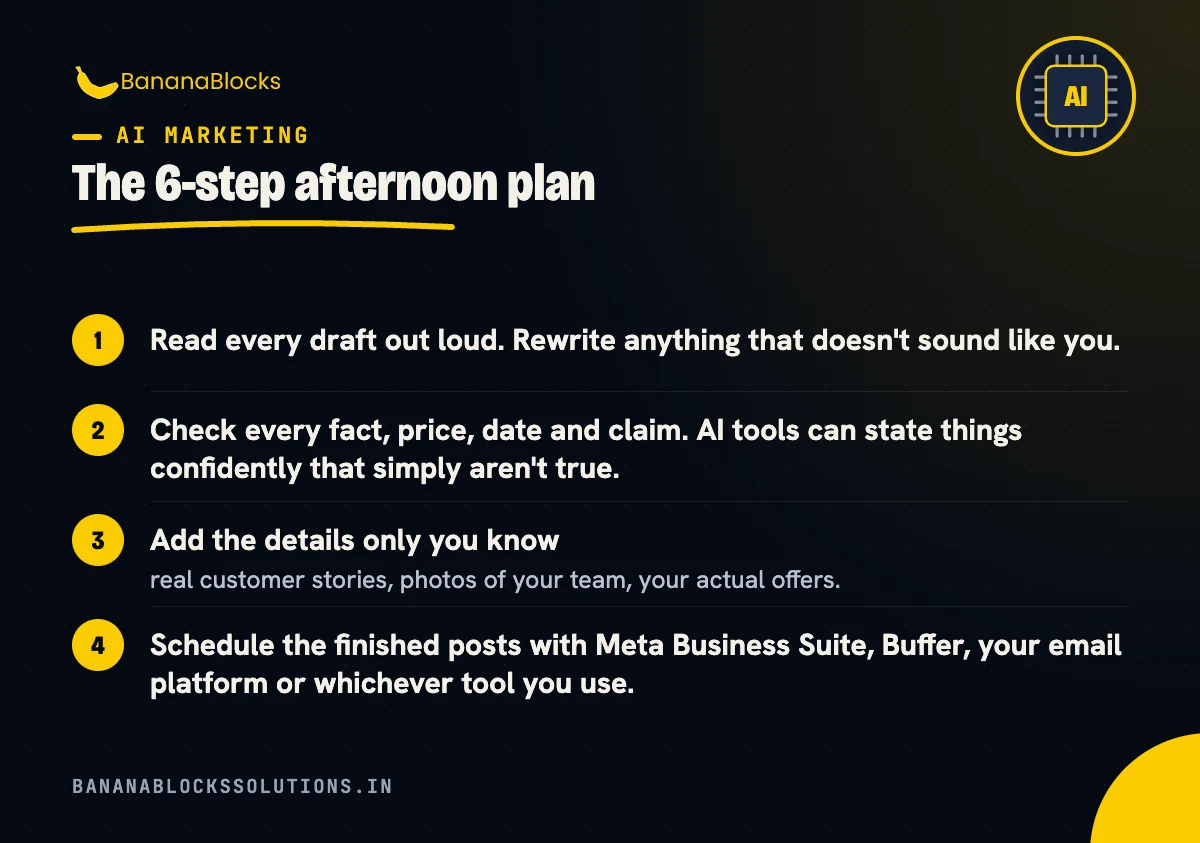
- Read every draft out loud. Rewrite anything that doesn’t sound like you.
- Check every fact, price, date and claim. AI tools can state things confidently that simply aren’t true.
- Add the details only you know: real customer stories, photos of your team, your actual offers.
- Schedule the finished posts with Meta Business Suite, Buffer, your email platform or whichever tool you use.
A sample one-month content plan
Here’s what the output might look like for a small bakery in November:
| Week | Theme | Example posts |
|---|---|---|
| Week 1 | Behind the scenes | Reel of the morning bake, team introduction carousel, Status poll on new flavours |
| Week 2 | Festive orders | How to order custom cakes, gift box carousel, email with order deadlines |
| Week 3 | Customer favourites | Review highlight, “most ordered” carousel, WhatsApp broadcast with a weekend offer |
| Week 4 | Year-end and planning ahead | Blog on party cake sizes, Reel answering common questions, early booking reminder for December |
Notice how every week mixes formats and channels, but stays tied to one theme. That keeps planning simple and your message consistent.
Where AI helps, and where you still need a human
| AI is great at | You still need to |
|---|---|
| Brainstorming lots of ideas quickly | Choose which ideas fit your brand |
| Organising ideas into a calendar | Check dates, offers and stock |
| Drafting captions, outlines and scripts | Add your voice, stories and real examples |
| Repurposing one piece into many formats | Shoot real photos and videos |
| Suggesting hashtags and hooks | Check facts and claims |
| Rewriting for different platforms | Reply to comments and messages personally |
Pro tip: If you use AI-generated or AI-edited images in Google ads, check Google’s AI content label settings. In some regions, including India, Google shows a visible label on ads that use assets designated as AI-created or edited.
Mistakes to avoid
- Posting AI drafts without editing. Generic copy is easy to spot and easy to scroll past.
- Trusting AI facts. Always check statistics, prices, regulations and dates against a reliable source.
- Sharing private information. Don’t paste customer names, phone numbers or confidential business data into AI tools.
- Planning more than you can produce. A realistic plan you stick to beats an ambitious one you abandon in week two.
- Forgetting the goal. Every post should connect, even loosely, to the one goal you set for the month.
- Never reviewing results. At the end of the month, check which posts got the most engagement and enquiries, and feed that back into next month’s brief.
Key takeaways
- ✅ Set one clear goal and list your key dates before you start
- ✅ Collect real customer questions to use as post ideas
- ✅ Brief the AI with your business, audience, tone and best posts
- ✅ Brainstorm themes first, then turn ideas into a calendar table
- ✅ Repurpose one or two hero pieces into many formats
- ✅ Edit every draft and check every fact before posting
- ✅ Review results monthly and improve your next brief
Related reading
- AI Content Marketing for Agencies: 6 Ways to Stay Competitive
- 30-Day Holiday Marketing Plan for Small Businesses (2026)
- 15 Diwali and Holiday Social Media Post Ideas (With Templates)
Want a content plan built for you?
AI makes planning faster, but a plan only works if it’s tied to your goals and actually gets published.
BananaBlocks Solutions helps small and growing businesses plan and create content for social media, blogs and email, using AI where it saves time and real expertise where it counts.
Book a free 30-minute strategy call and we’ll help you map out next month’s content around your goals.

Written by
Andrew Akshat
Writes for the BananaBlocks team about websites, SEO and digital growth for small and growing businesses.
More on AI Marketing